Need help?
Support Centre

MyKNX Store
 ETS Software
Download ETS to design, commission and manage KNX projects. Start with a free trial or choose a license.
ETS Software
Download ETS to design, commission and manage KNX projects. Start with a free trial or choose a license.
 ETS Apps
 extend your ETS workflow with focused tools for documentation, commissioning, diagnostics, and more. Visit our store and browse and browse our available ETS Apps.
ETS Apps
ETS Apps extend your ETS workflow with focused tools for documentation, commissioning, diagnostics, and more. Visit our store and browse and browse our available ETS Apps.
Image
Image
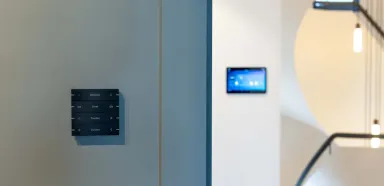






ETS, one tool for all KNX projects
ETS is the single software tool used to plan and configure KNX projects. Across brands, building sizes and use cases, installers work with one consistent workspace to design and commission KNX installations. ETS provides a reliable workflow from initial planning through to project delivery.
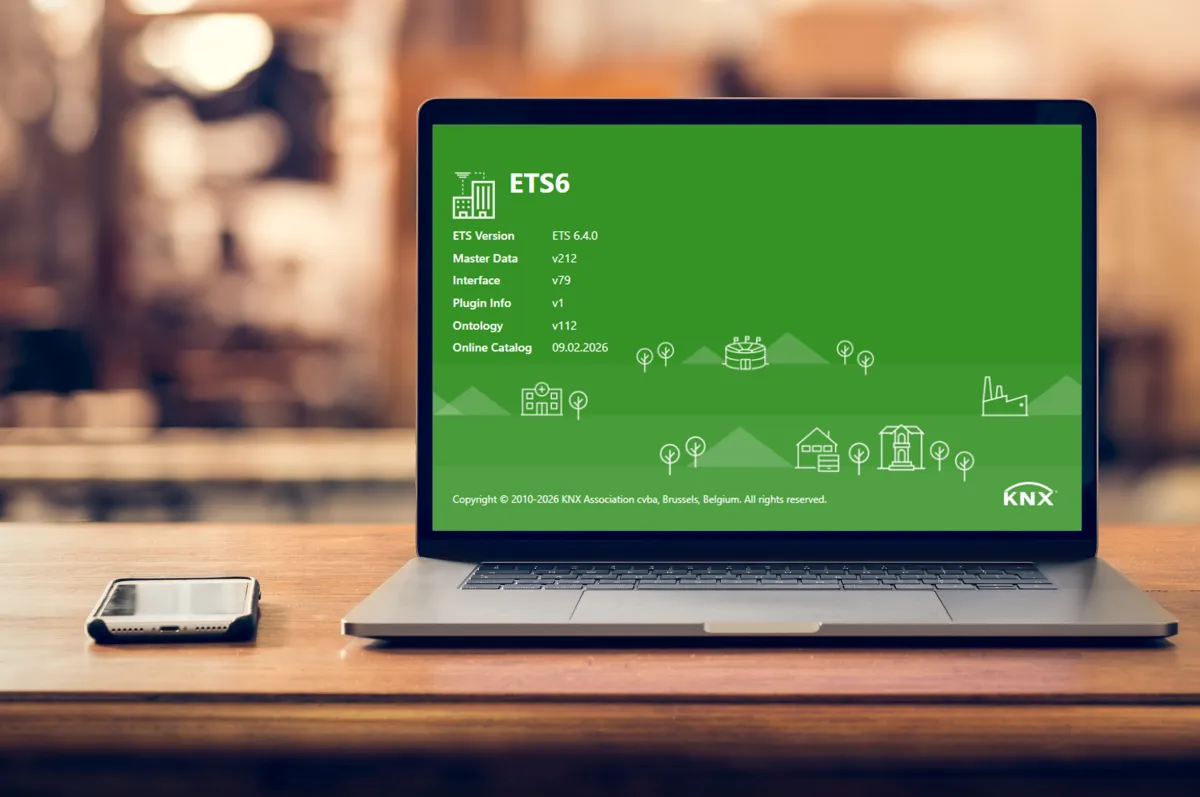
How to use ETS?
ETS delivers a reliable, maintainable system that delivers the outcomes you specified. Efficient, simple and ready for what’s next
ETS acts as the engineering backbone for KNX project work. It brings product data from certified devices into a single project environment, allowing you to design functions, set parameters, assign addresses and commission an interoperable system. Built around the open, certified KNX standard, ETS lets you combine devices from many manufacturers and expand installations over time.
In the planning phase, ETS helps you capture requirements and translate them into a clear project structure with rooms, lines and group addresses. You select certified devices from a broad catalogue, set parameters to match the specification, and generate documentation along the way — keeping everyone aligned from design to installation.
During commissioning, ETS guides you through individual addressing, parameter downloads and linking group objects so devices operate as one system. You can test functions, validate KNX Secure settings and diagnose issues using built-in bus and group monitoring. If a device needs replacing, ETS supports the change without rebuilding the project logic.
As needs evolve, ETS supports ongoing project work through backups, versioning and controlled changes. You can adjust configurations, add rooms or integrate new devices without starting from scratch. With ETS Apps, you can extend and adapt your workflow to suit different project requirements.
ETS6 brings you these highlights
Image

KNX Secure
Protects your installations with encrypted communication and device authentication. Ensures data integrity and safeguards smart buildings against unauthorised access.
Image

Segment couplers
Structure and optimise large KNX projects by logically dividing installations into segments. Improve performance, scalability and easier project management across complex systems.
Image

Groups in the sidebar
Access and manage group addresses directly from the sidebar for faster workflow. Simplifies navigation and improves efficiency during configuration and commissioning.
Image

Project Compare
Quickly identify differences between two project versions. Reduces errors and saves time when reviewing changes or troubleshooting updates.
Image

Collaboration Mode
Work on the same project with colleagues in a structured and controlled way. Enhances teamwork while maintaining version clarity and data integrity.
Image

KNX IoT
Integrates KNX with IP-based and IoT ecosystems for extended interoperability. Enables secure, future-ready connections between smart devices and digital services.
Image

Security proxy
Ensures secure communication between KNX Secure and non-secure devices. Provides a smooth transition path when upgrading existing installations.
Image

Multi linking
Link multiple communication objects in one efficient step. Speeds up configuration and reduces repetitive manual work.
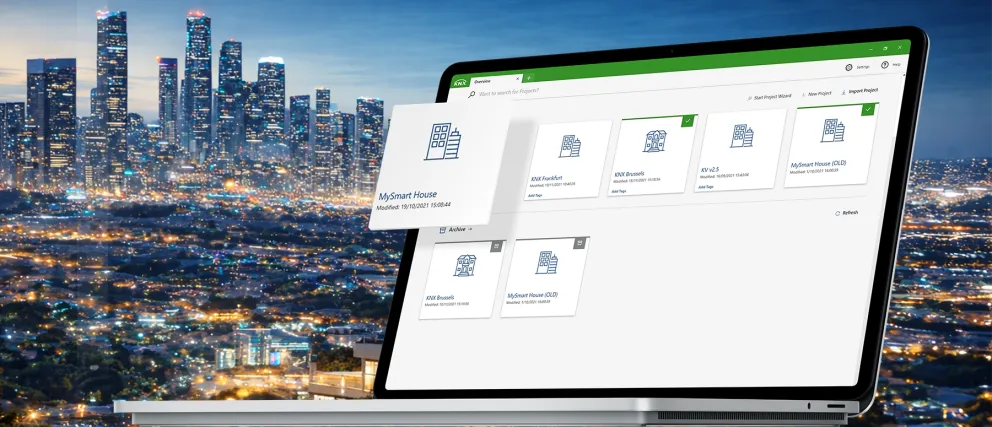
ETS6.4, our latest update, brings you these features
ETS6.4 helps you work faster and with more confidence. Enjoy optimised performance by default, quicker downloads via Serial Number, and automatic project backups that protect your work. Organise projects more easily with date sorting, a resizable sidebar and improved Security Proxy tables. Multi Linking, built-in panel diagnostics and flexible coupler settings make commissioning and troubleshooting simpler than ever — especially in complex projects with floor and apartment structures.
Image
Get your ETS6 today
Download ETS6
Join a community of thousands of professionals who have already made KNX their standard.
Recognised and Trusted by Leading Manufacturers








eCampus
New to ETS? Become a professional in no time
While the learning curve is real, the simplicity ETS offers in all your future projects is greater. Our online training courses are designed to guide you through the essentials step by step, empowering you to become a KNX professional swiftly and confidently.
Start your online training
FAQs
What is ETS used for in a KNX project?
ETS is used to design, configure and commission KNX installations. It allows you to parameterise devices, define communication between components, and program system functions such as lighting, HVAC, shading and energy management — regardless of manufacturer.
Can ETS integrate products from different manufacturers?
Yes. ETS integrates all KNX certified devices, independent of brand. Because KNX is an open international standard, you can combine products from over 500 manufacturers in one project without compatibility issues or vendor lock-in.
Can ETS handle large and complex projects?
Yes. ETS scales from small residential installations to large commercial buildings. The same engineering environment is used for all project sizes, allowing you to manage thousands of devices, multiple lines and IP structures within one system architecture.
Is ETS secure?
Yes. ETS supports KNX Secure, including IP Secure and Data Secure. This enables encrypted communication and device authentication, helping protect installations against unauthorised access in residential and commercial environments.
Do I need KNX certification to use ETS?
No, certification is not mandatory — but it is strongly recommended. KNX training provides the knowledge required to design, commission and secure installations correctly. Certification demonstrates professional competence and ensures compliance with KNX standards.
Can I try ETS before purchasing a license?
Yes. A free ETS demo version is available. It allows you to explore the software interface and workflow with limited project size, helping you evaluate ETS before selecting a license.
What’s the difference between the ETS license versions?
ETS licences differ mainly in project size limits and usage scope. Entry versions are suitable for training and small installations, while professional licences support unrestricted project sizes. All versions use the same core software environment.
Download ETS, the software that brings KNX to life
Download ETS and discover firsthand what's possible. Join a community of thousands of professionals who have already made KNX their standard.